
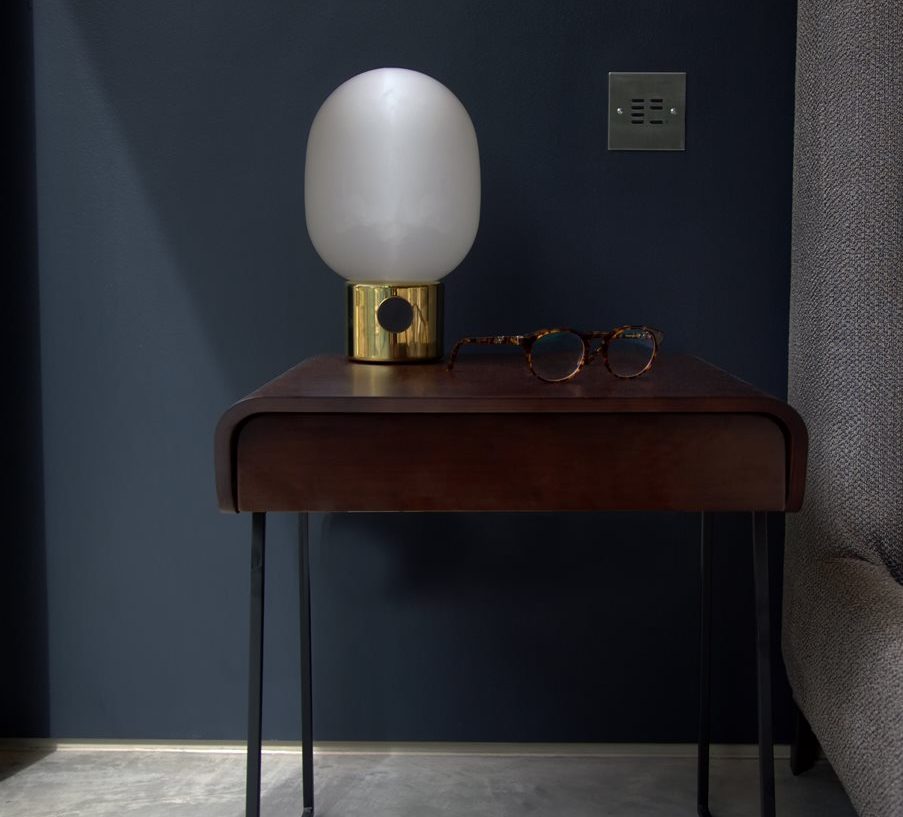
The wireless lighting backbone
Weatherproof, multi-channel wireless receivers that switch and dim any combination of circuits — indoor, outdoor, garden, façade. Paired with Wise keypads, key fobs, PIRs and the Wise Direct timer app. No software, no rewiring, no Wi-Fi dependency.
A radio-frequency receiver that ends the cable-chasing
Wise Box is a wireless receiver that lives near the light fitting and accepts commands from any Wise transmitter — wall-mounted keypads, handheld remotes, PIR sensors, or the Wise Direct dusk-til-dawn app. Multi-channel versions control several circuits from a single enclosure.
Every Wise Box generation shares the same radio-frequency platform, so existing installations stay compatible as new transmitters are added. Pairing is a button-press — no laptop, no programming software, no hub.
See how wireless compares to wired →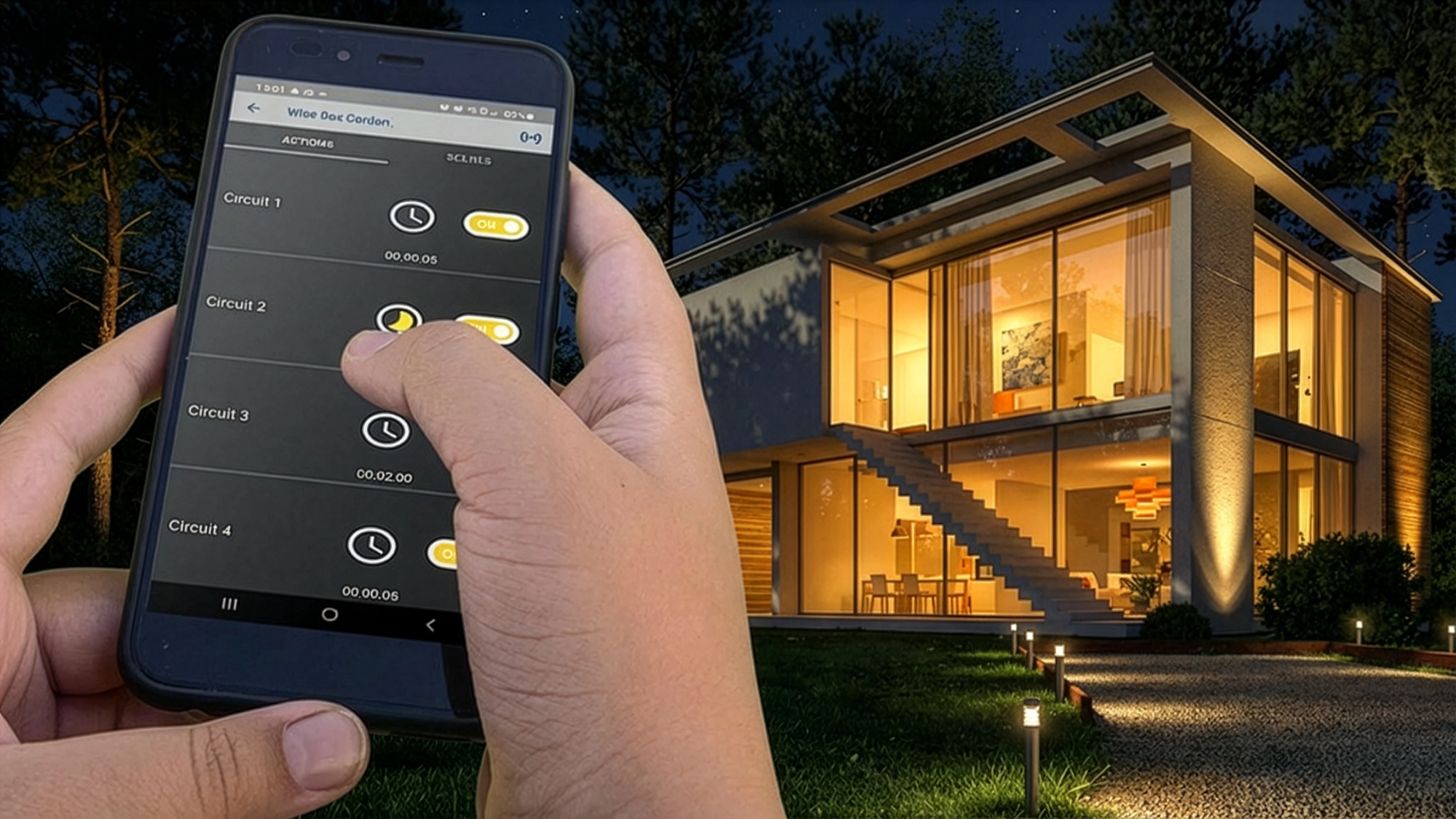
Wise Direct app · outdoor dusk-til-dawn timer control
Why specify Wise Box
-
Pure RF wireless
Direct radio link between transmitter and receiver — no Wi-Fi, no broadband dependency, no proprietary hub.
-
Weatherproof outdoor
IP-rated housings rated for permanent outdoor installation. Garden, façade, pool plant rooms and outhouses.
-
Multi-channel
4-channel receivers switch and dim multiple circuits independently from a single enclosure.
-
Pair by button-press
No laptop, no app, no programming software. Hold receiver, press transmitter, beep — done.
-
Stores scenes locally
Scene levels held on the receiver, not in the cloud — fires instantly and survives every outage.
-
Smart-home ready
Drop in a Wise Daisy hub later for Alexa, Google Assistant and Wise Daisy app control.
Where Wise Box goes
A few of the most common Wise Box installs we see specified.
- Garden
Outdoor lighting that just runs
An outdoor Wise Box in the plant room drives the tree-uplights, the steplights and the pond pump. A weatherproof Wise Direct timer in the cupboard turns it all on at dusk.
- Whole-home retrofit
No chasing the plaster
One receiver per fitting, one keypad per wall. Existing wired switches stay where they are — Wise Box absorbs the new circuits without disturbing the old ones.
- Open-plan kitchen
One keypad, many circuits
4-channel Wise Box behind the island runs pendants, perimeter spots, under-cabinet tape and toe-kick LEDs. A 4-button Scene keypad recalls the right mix for breakfast, dinner and clean-down.
Wise Box products
24 receivers, kits and accessories available through authorised wholesalers.
 WISEBOX REC V4Wise Box Receiver Version 4 4 Channel, 5 Amps / CircuitWirelessOutdoorIndoor£126.11 ex. VAT
 WISEBOX KIT V4Wise Box Kit Version 4 includes Keypad & Key Fob 4 Channel, 5 Amps / CircuitWirelessOutdoorIndoor£169.60 ex. VAT
 WISEBOX REC TC4Wise Box Receiver Time Clock Kit 4 Channel, 5 Amps / CircuitWirelessOutdoorIndoor£195.64 ex. VAT
 WISEBOX KIT TC4Wise Box Time Clock Kit includes Keypad, Key Fob & Time Clock 4 Channel, 5 Amps / CircuitWirelessOutdoorIndoor£239.13 ex. VAT
 WISEBOXKITV4DK/DNWise Box Kit Version 4 includes Keypad, Key Fob & Dusk to Dawn Sensor 4 Channel, 5 Amps / CircuitWirelessOutdoorIndoor£234.49 ex. VAT
 WISEBOXKITV3RS232Wise Box Kit Version 4 Control 4, Keypad, Key Fob & RS232 Interface 4 Channel, 5 Amps / CircuitWirelessOutdoorIndoor£374.88 ex. VAT
 WISEBOX 1V2 RECWise Box One Receiver 1 Channel, 16 AmpsWirelessOutdoorIndoor£89.00 ex. VAT
 WISEBOX 1V2 +SW1Wise Box One Kit Includes 1 Button Keypad 1 Channel, 16 Amps White KeypadWirelessOutdoorIndoor£118.90 ex. VAT
Compatibility & integration
Wise Box receivers pair with every Wise transmitter on the same RF backbone — so an existing keypad can drive a newly added receiver in seconds. Combine with:
- Wise keypads — wall-mounted, no back box needed; configure as dimmer, scene recall or master-off.
- Handheld remotes & key fobs — fire scenes from anywhere in range.
- PIR sensors — auto-trigger driveway lighting, outhouse lighting, or stair illumination.
- Wise Direct app — dusk-til-dawn timer programming for the outdoor receivers, no Wi-Fi needed after setup.
- Wise Daisy hub — adds Alexa, Google Assistant and smartphone control without breaking existing keypads.
Wise Box FAQ
Does Wise Box need Wi-Fi to work?
Are different Wise Box generations cross-compatible?
Can I use Wise Box outdoors permanently?
How many circuits can one Wise Box control?
How do I program scenes?
Where do I buy it?
Specifying a Wise Box install?
Our team will help you spec the right receiver count, transmitter mix and outdoor pairings for your project. Free of charge — residential, commercial or contract.